Physical Computing

Weekly Activity Template

Rita Zhang


Module 1


Activity Research

These activities helped us explore different ways physical sensor data can be collected, processed, and turned into meaningful visual feedback. Through Arduino sensor testing, ProtoPie interaction, and TouchDesigner experimentation, we learned how physical inputs can connect to digital interfaces. This research helped inform my Smart Workspace Hub idea, which uses environmental sensors to monitor room conditions and present the information in a simple, user-friendly way.

Activity 1
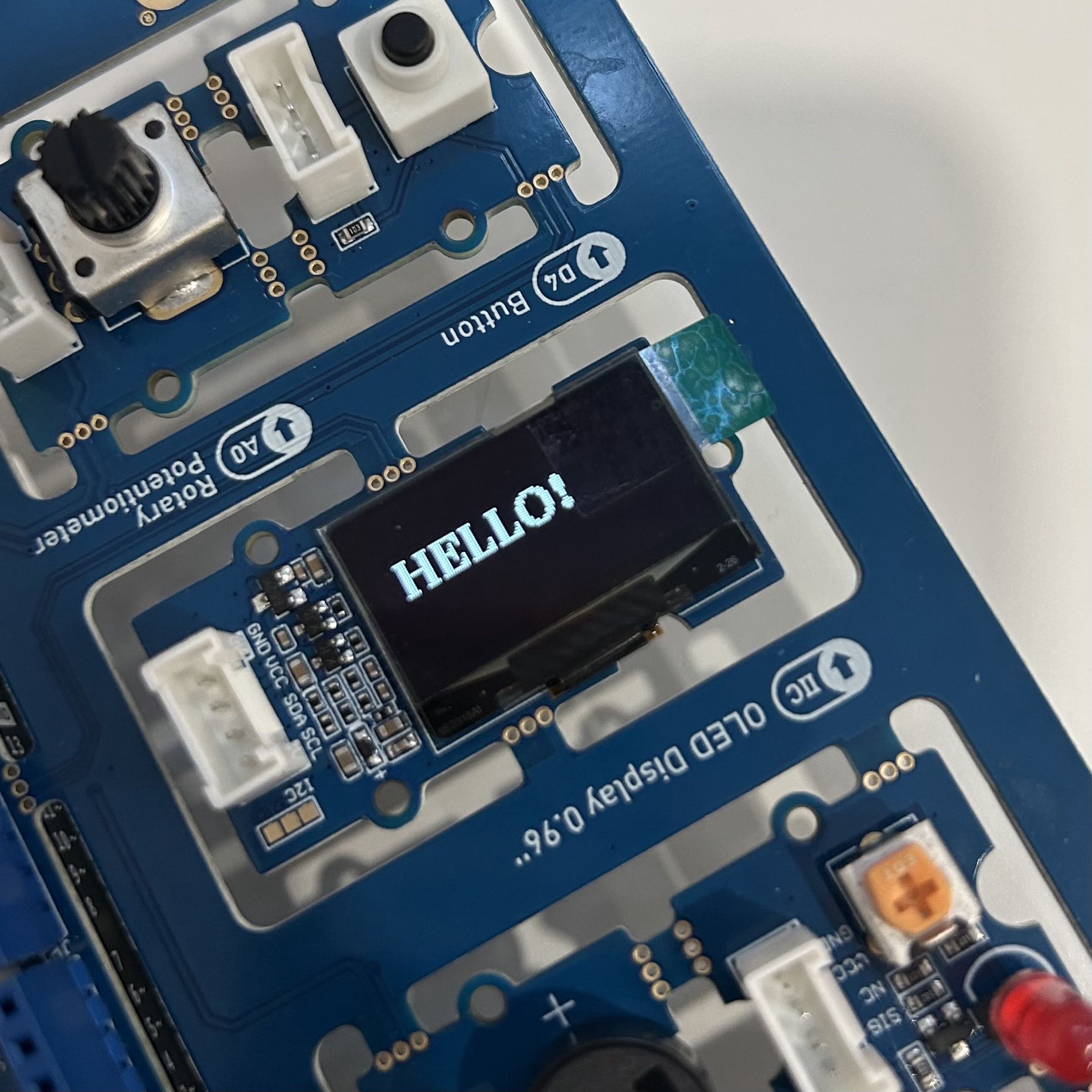
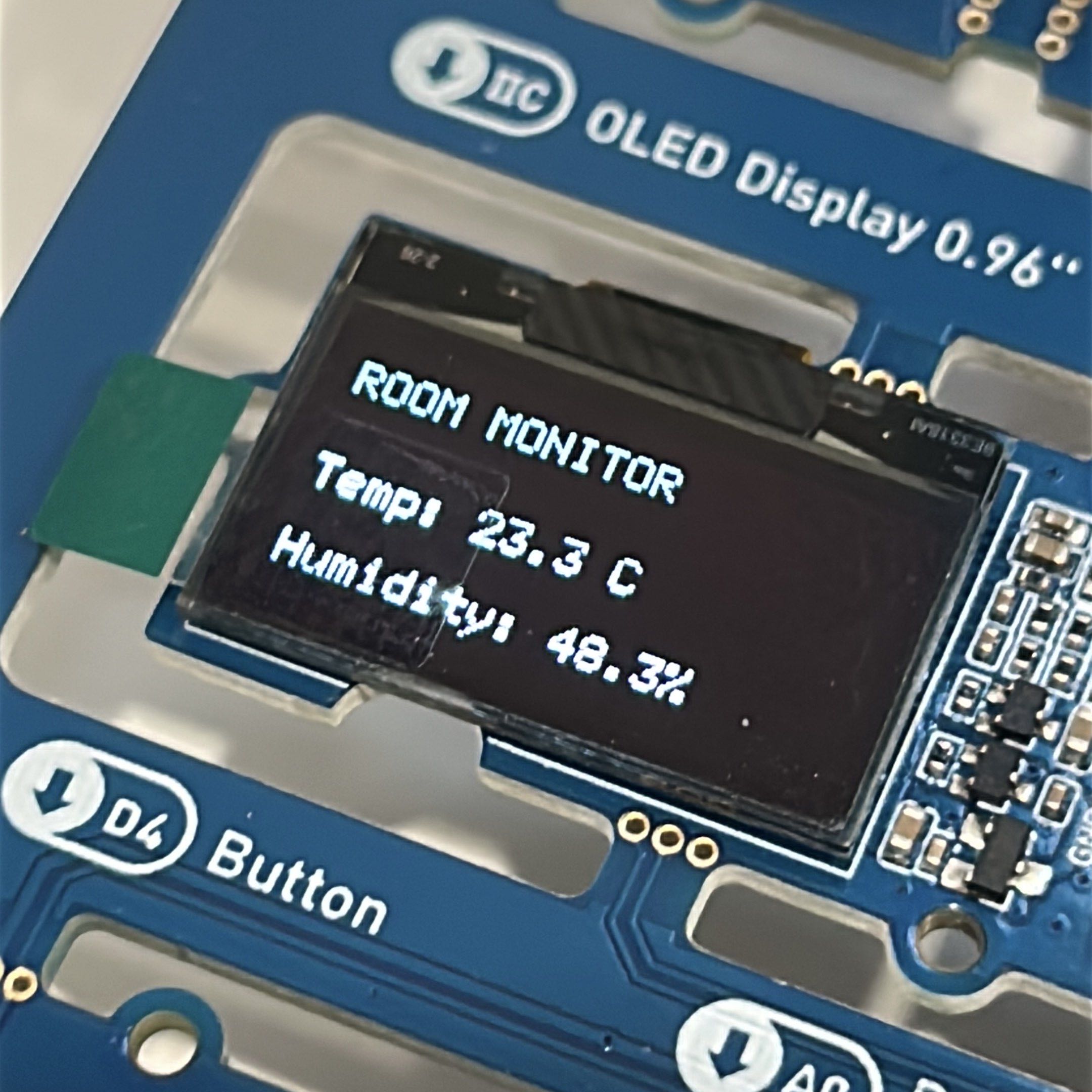
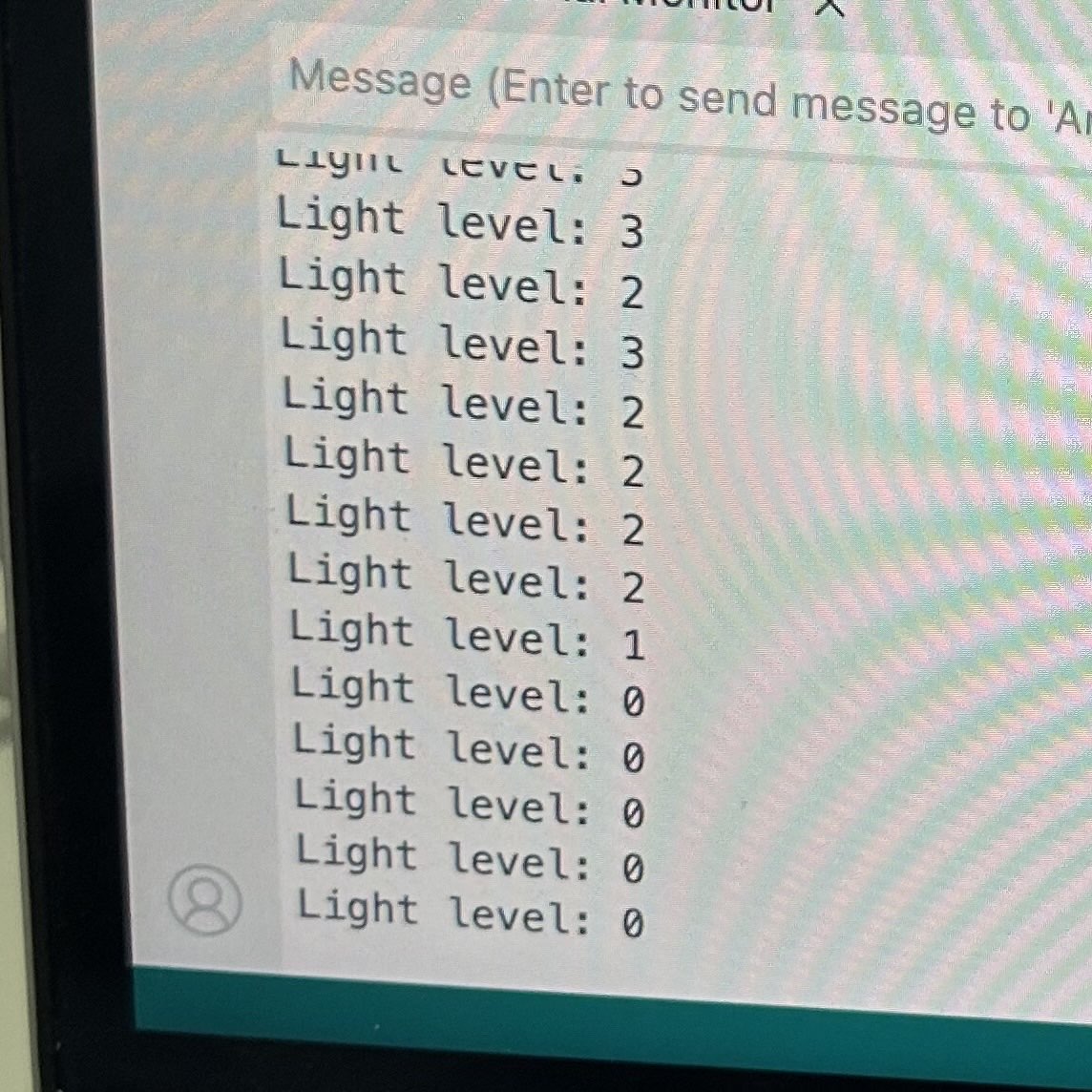
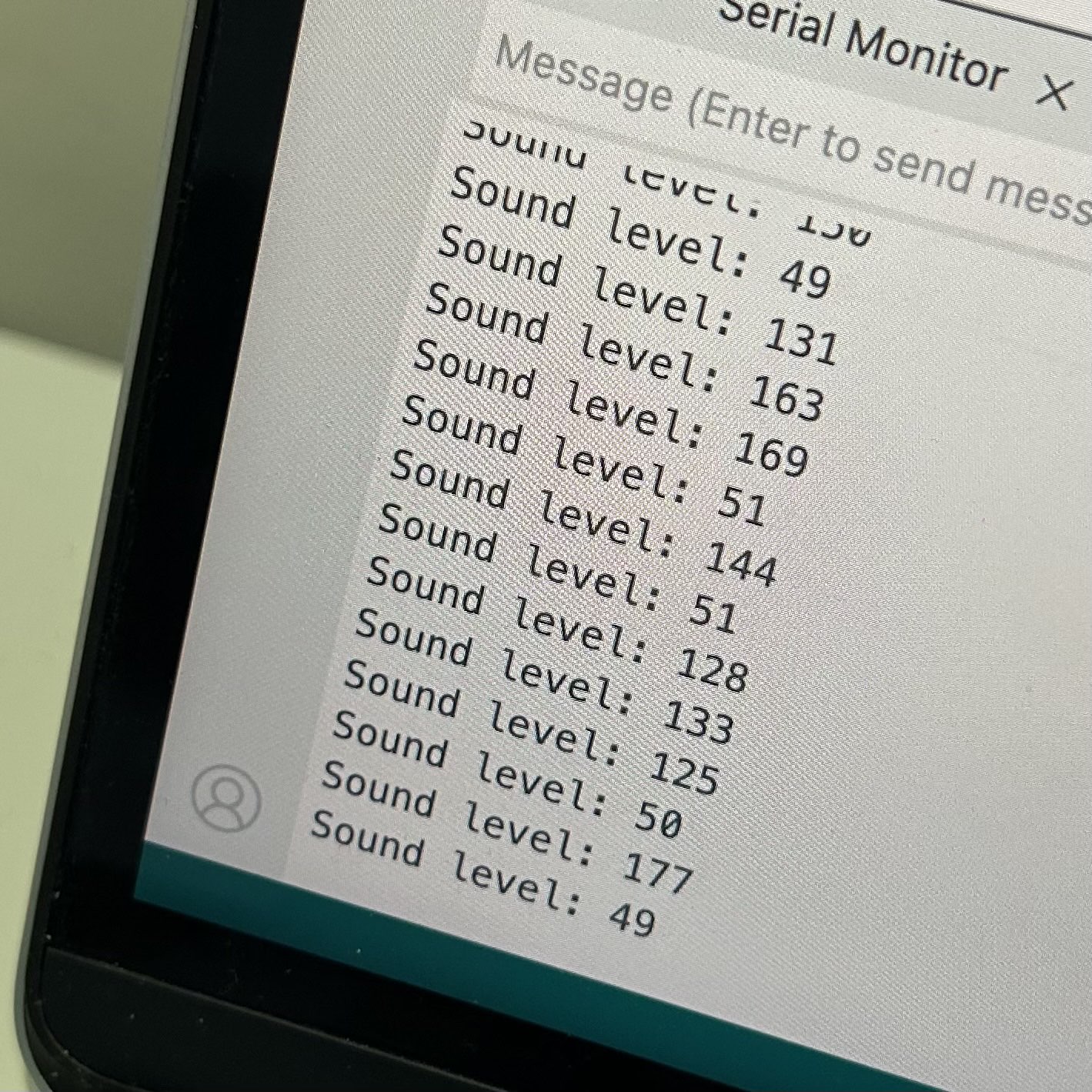
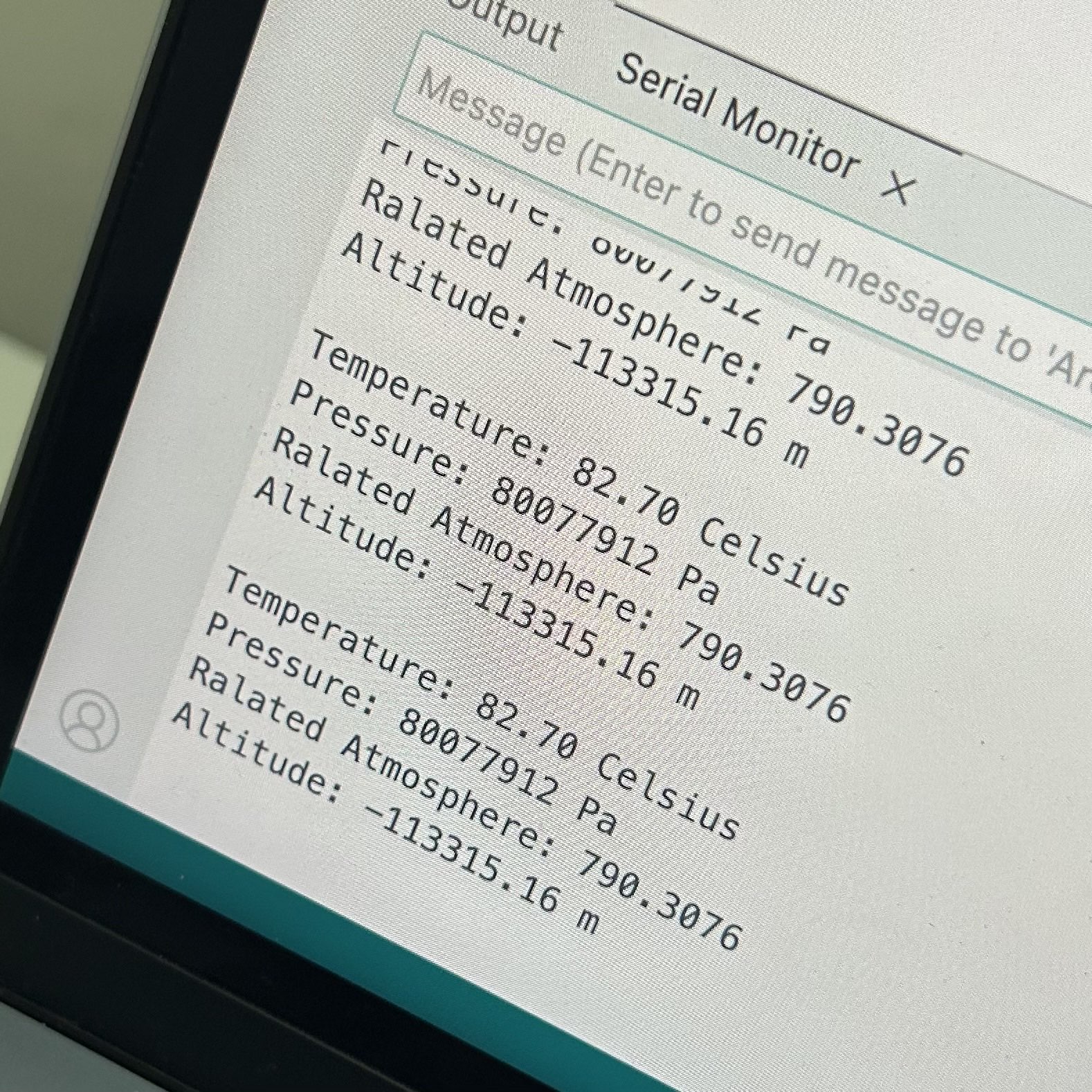
I got the little display screen working, and was able to write something on there. I used the sensors and detected the room temperature and humidity, and displayed it on the screen. I collected the light level of my room. I collected the sound level of my room. The sensor is reading environmental data and calculating atmospheric pressure, temperature, and altitude in real time.

Activity 2

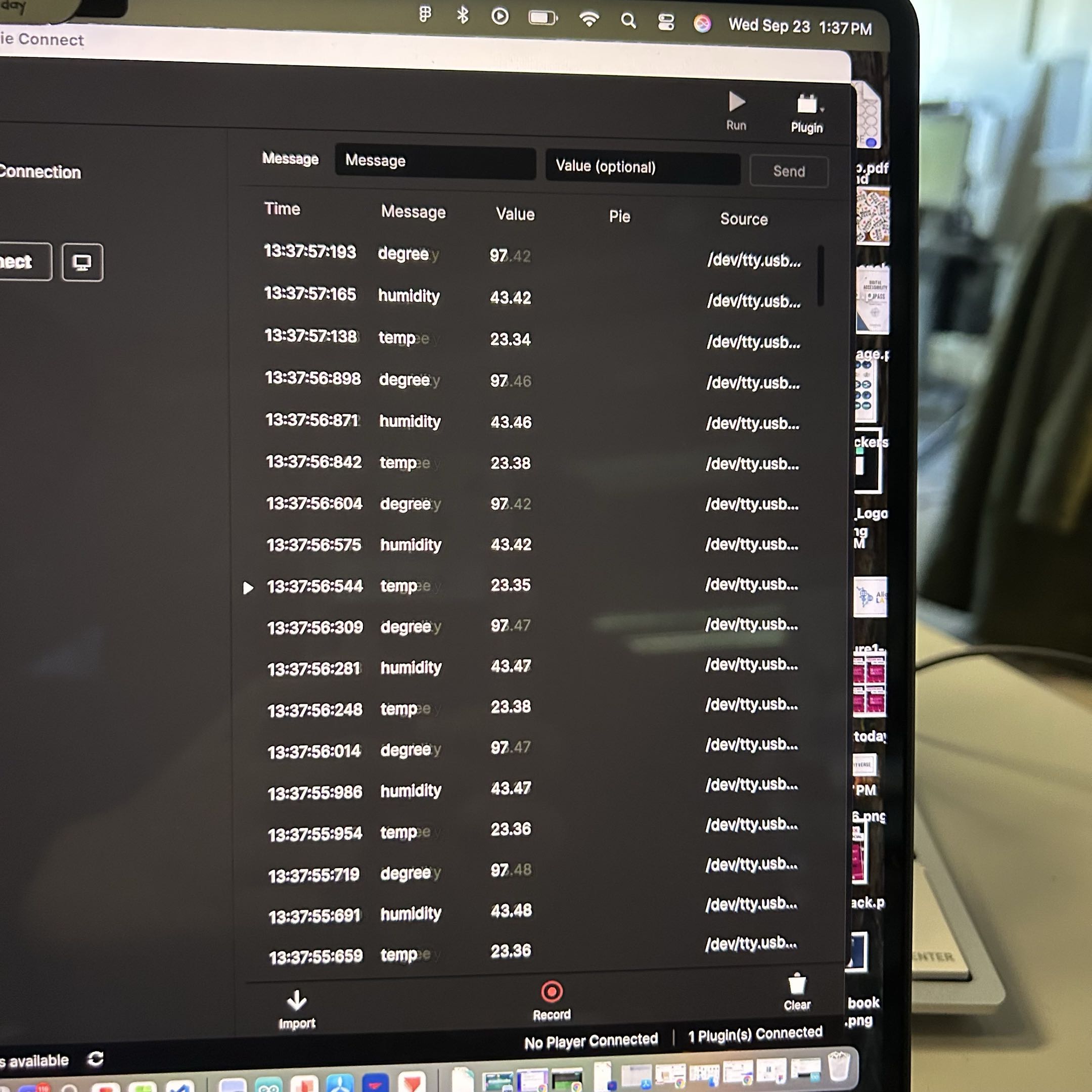
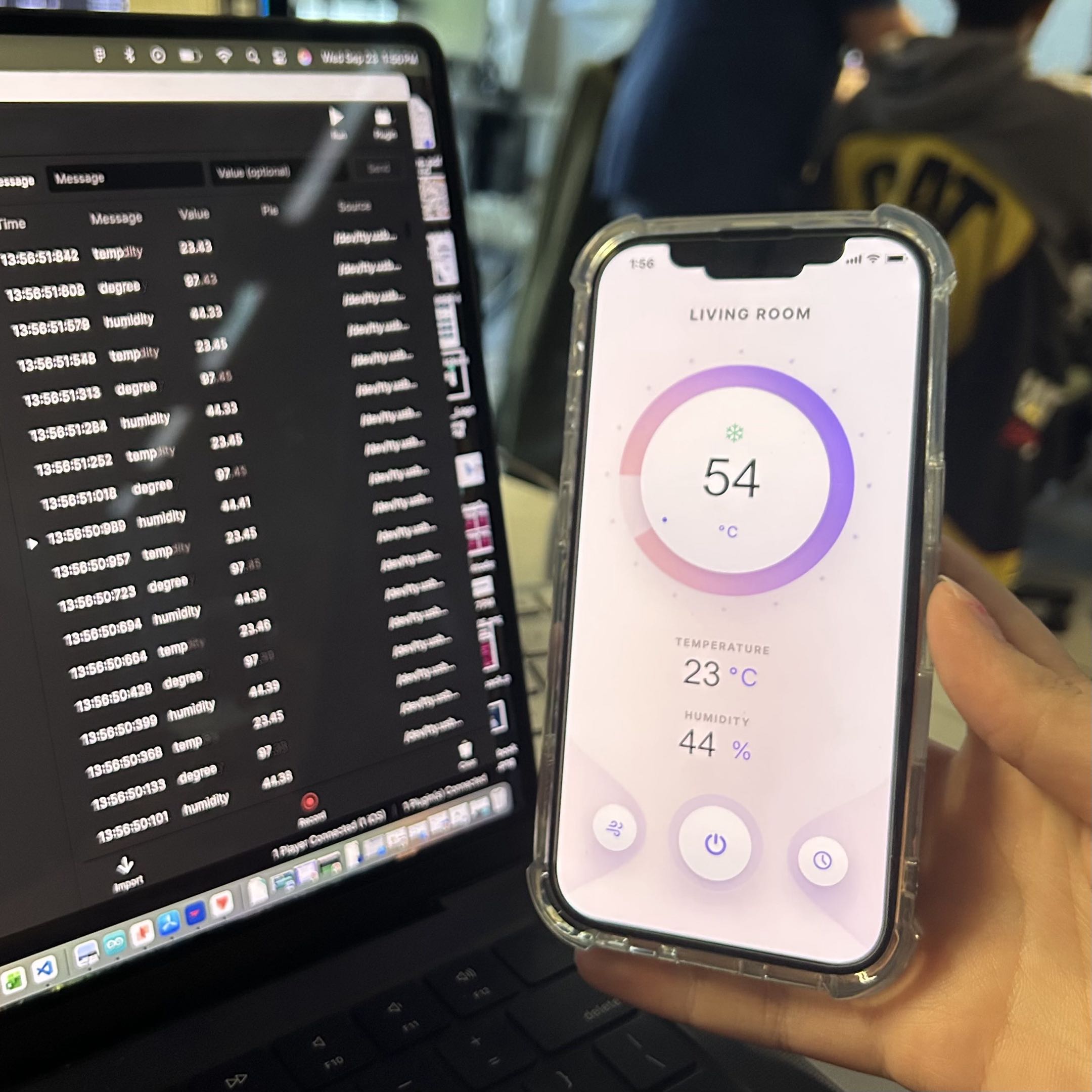
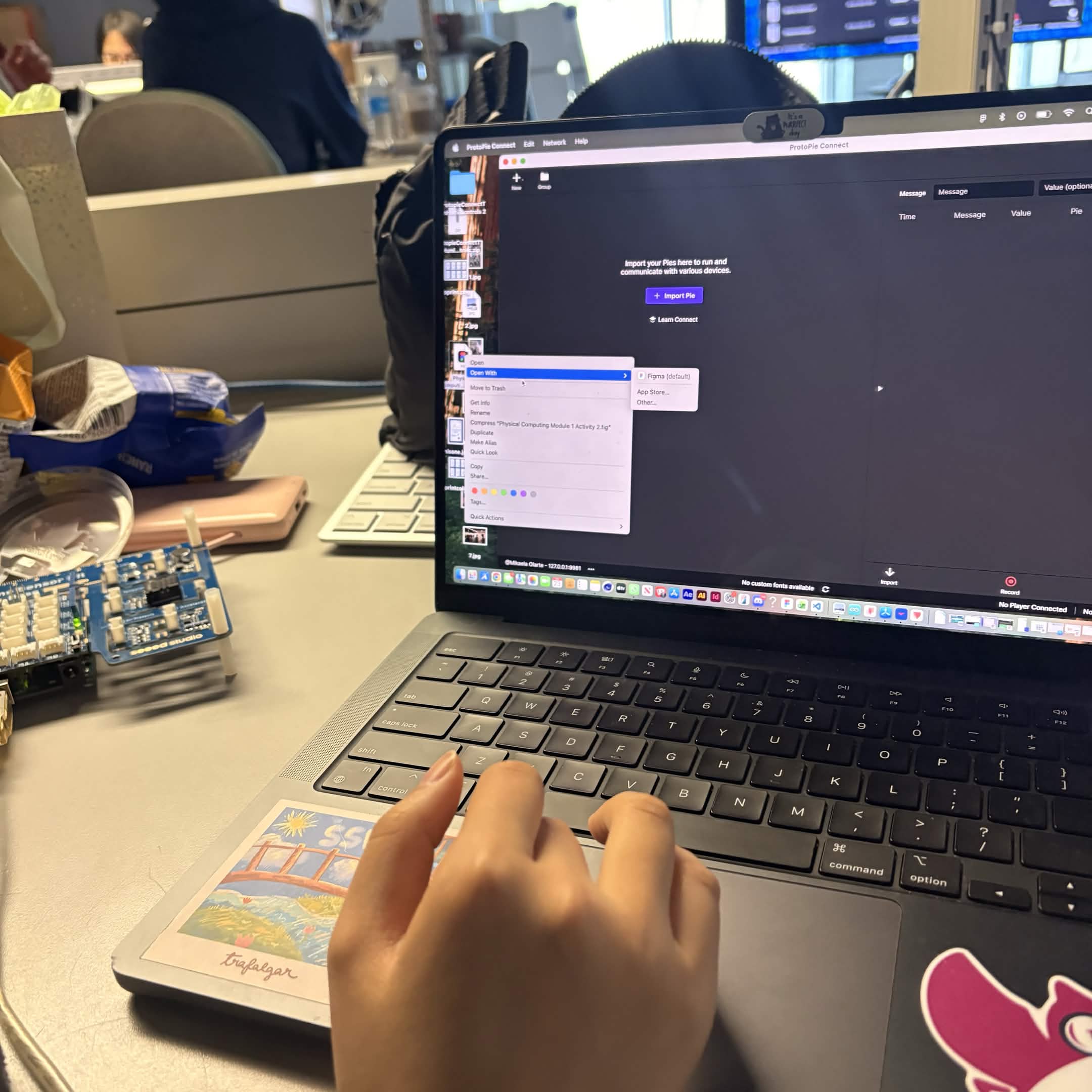
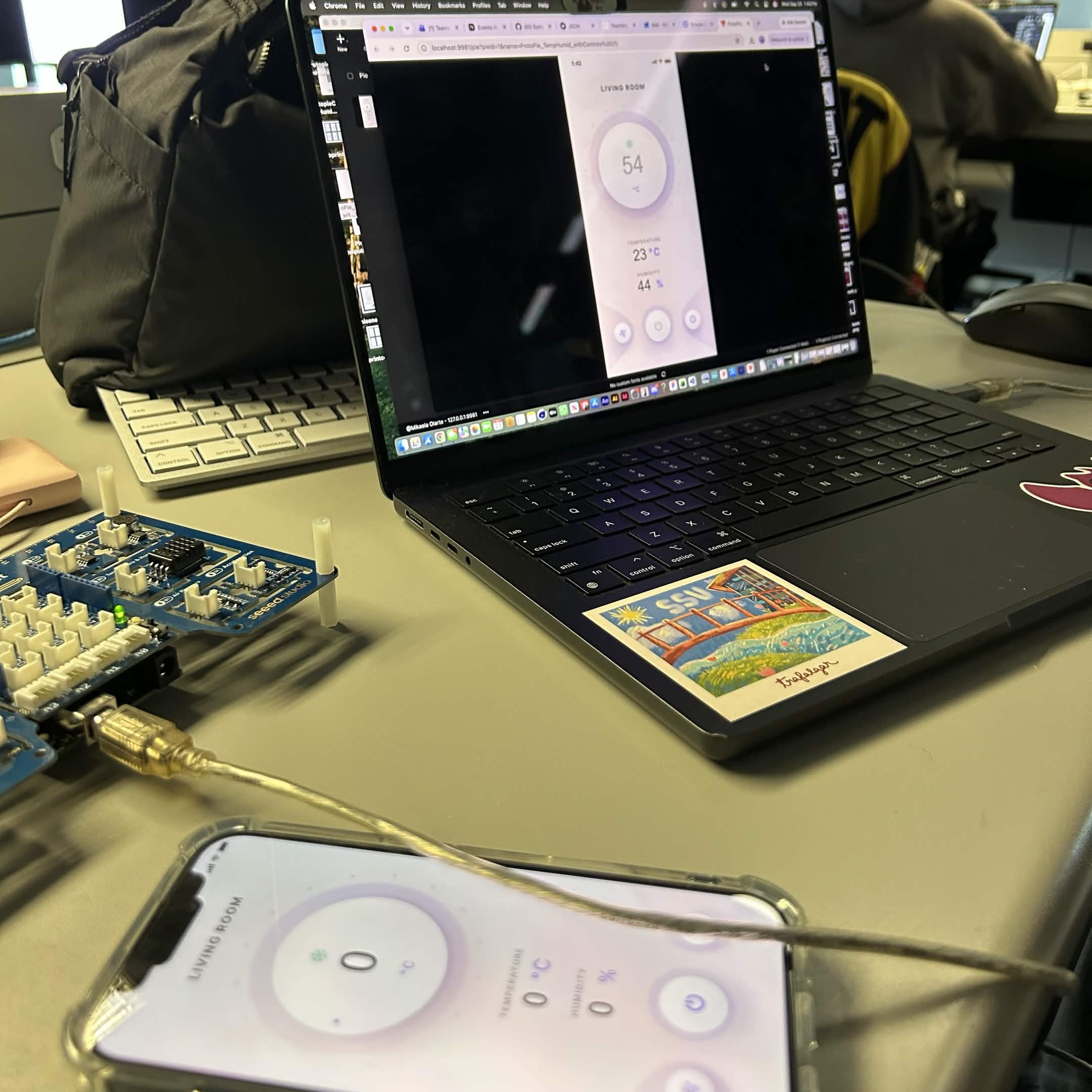
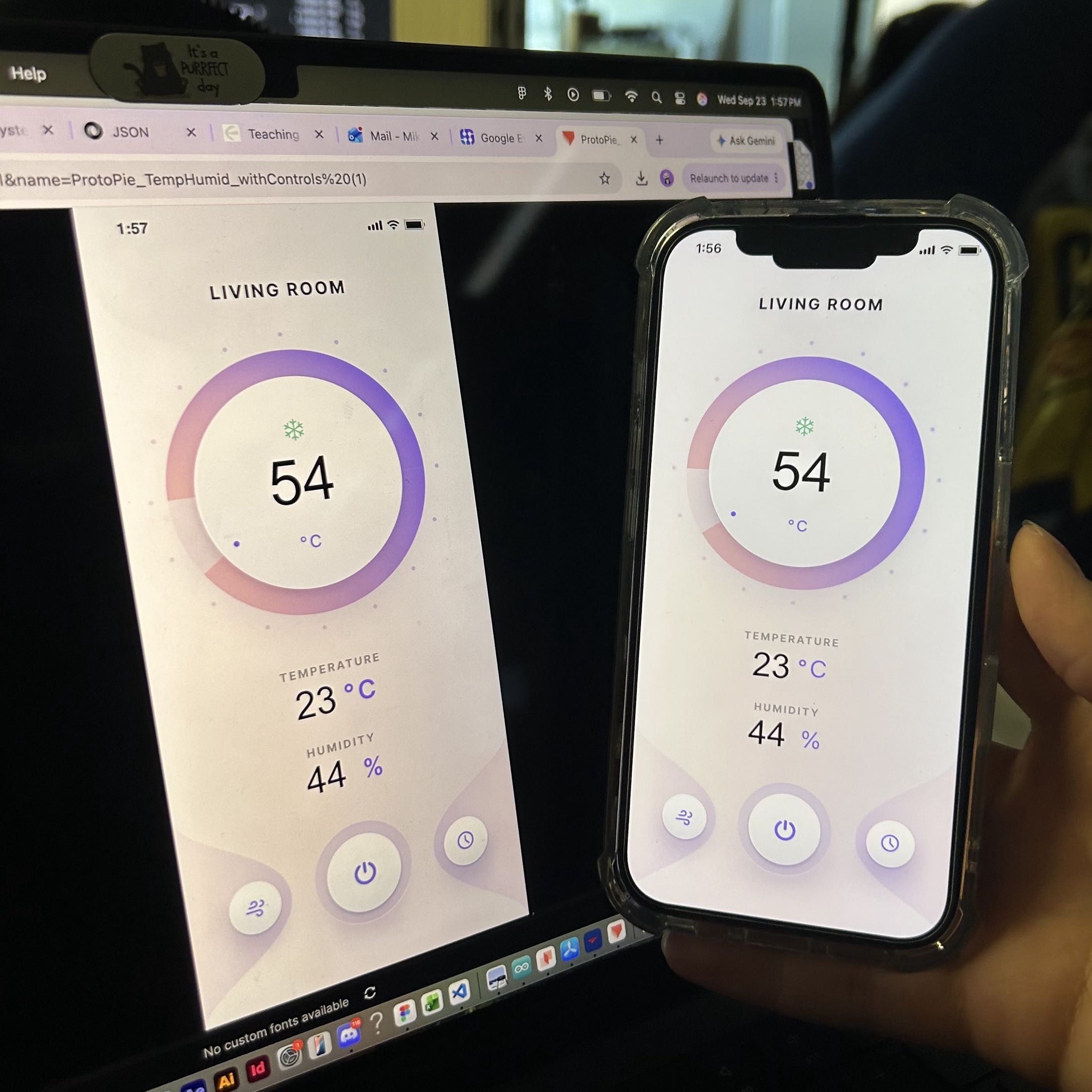
The sensor is continuously reading and displaying temperature, humidity, and degree values in real time. The sensor and data is connected to Protopie, which is being viewed on the phone. This was our process, when we were importing the UI files onto Protopie. This is an image of the Arduino being connected to the laptop, and the phone broadcasting the information simultaneously. This is the UI and data being connected on both the laptop and phone.

Activity 3

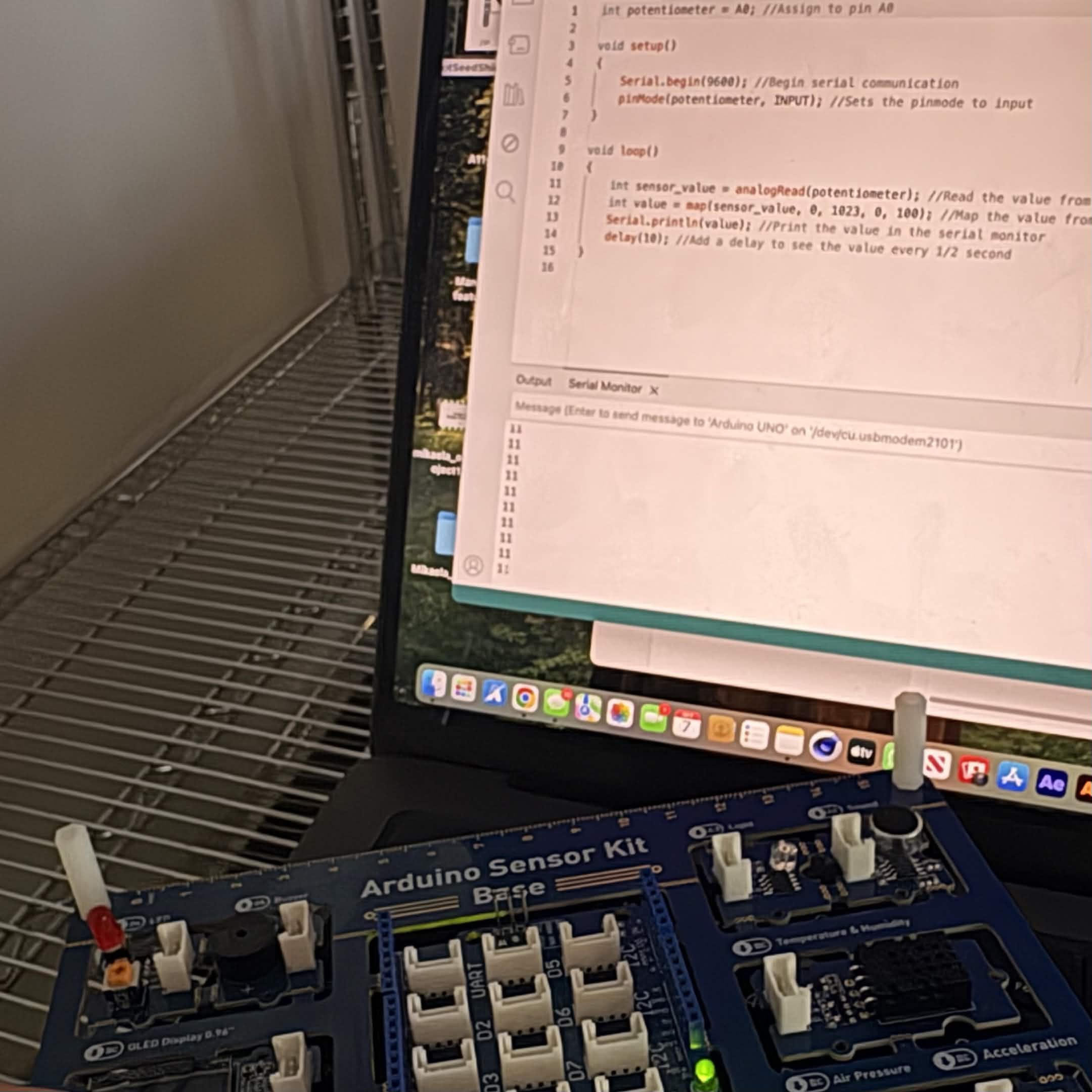
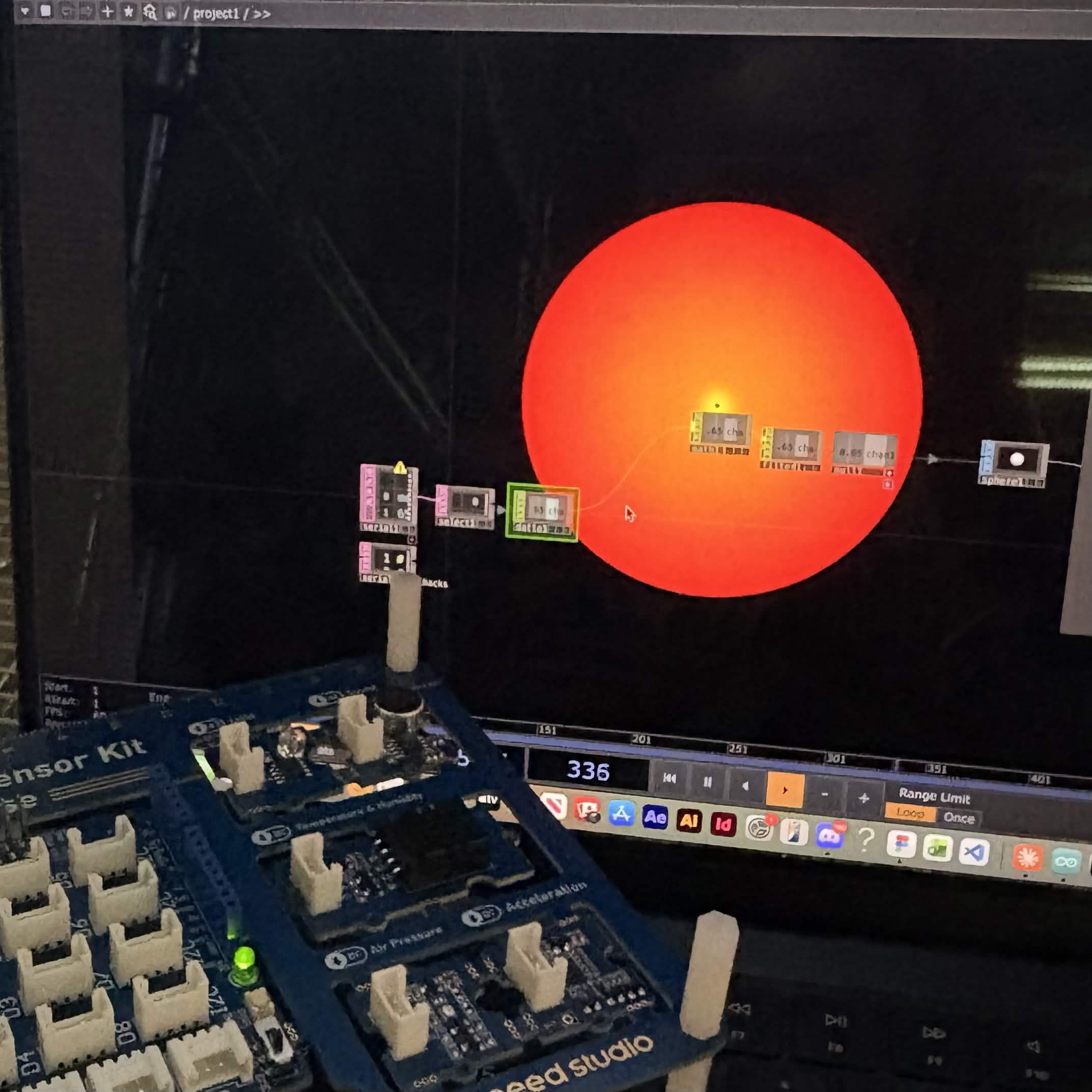
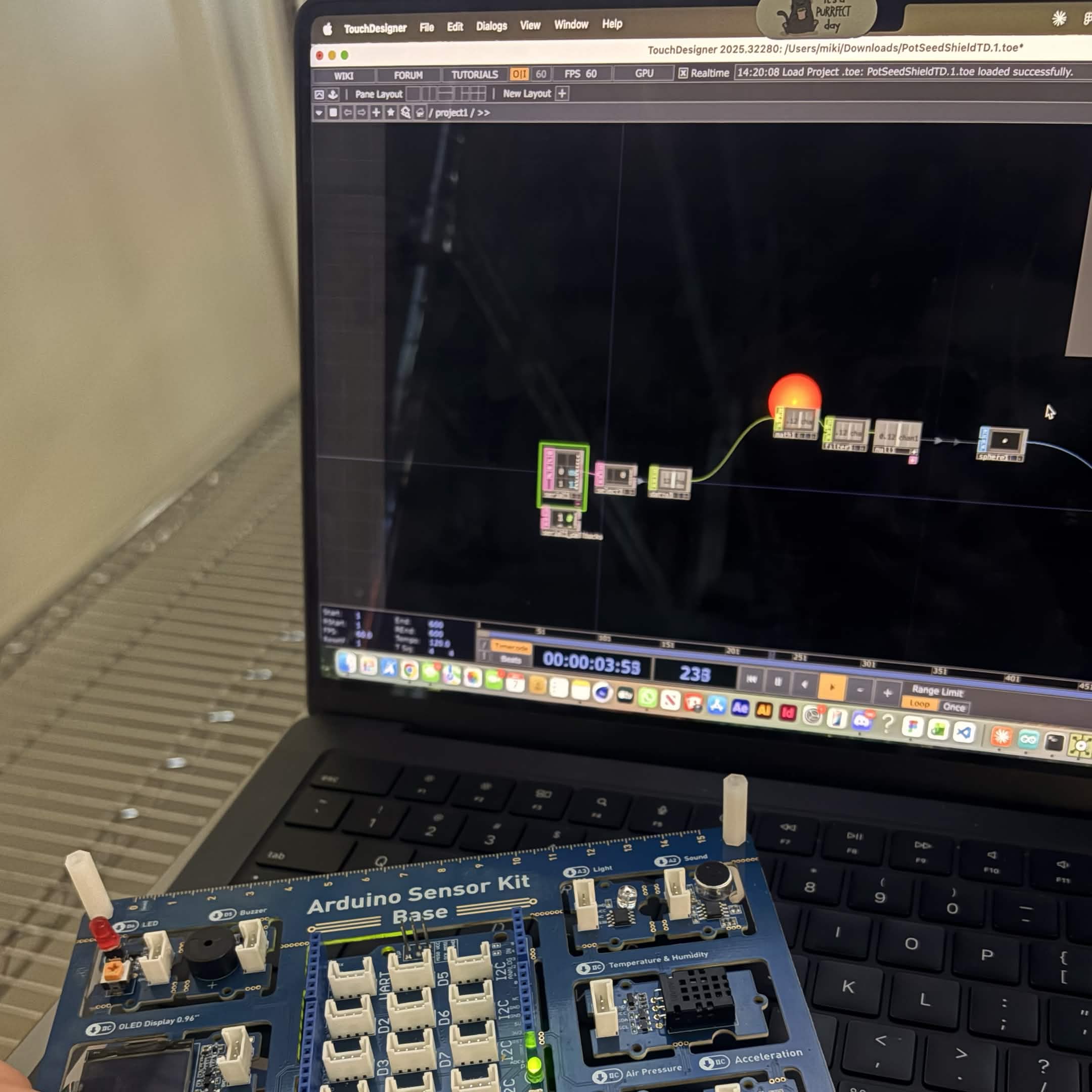
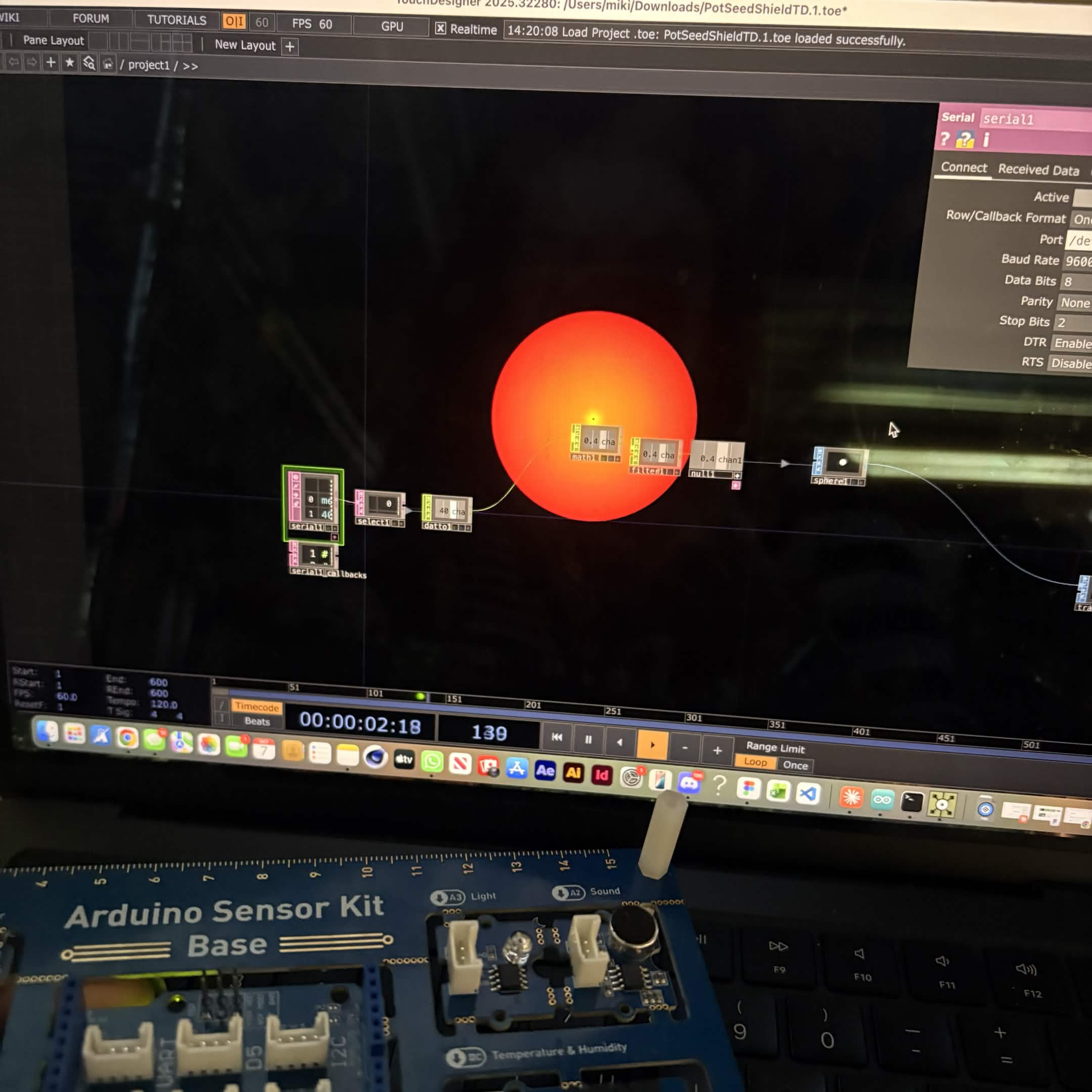
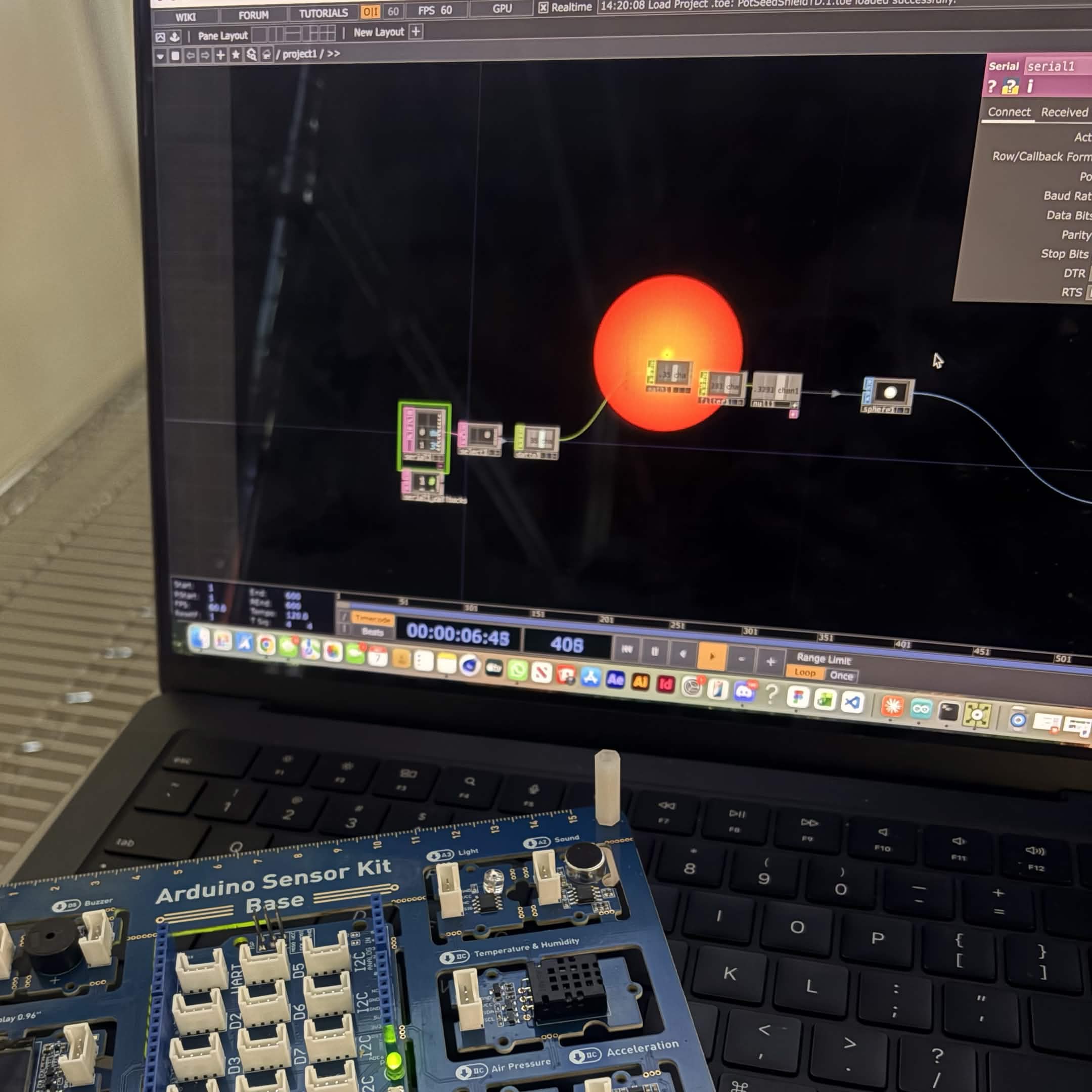
The arduino code is running and the sensor values are appearing in the Serial Monitor. The Arduino sensor data is being connected to TouchDesigner and used to control the size of the sphere. The Arduino Sensor Kit was being tested alongside TouchDesigner to see the physical input affect the visual in real time. The serial data was brought into TouchDesigner and passed through different nodes to process the sensor values. The setup was tested again to confirm that changes from the sensor were correctly affecting the sphere visual.

Research Activity


Consumer Trend Research

Research into current consumer trends helped us understand changing attitudes toward home wellness, technology, and health tracking.
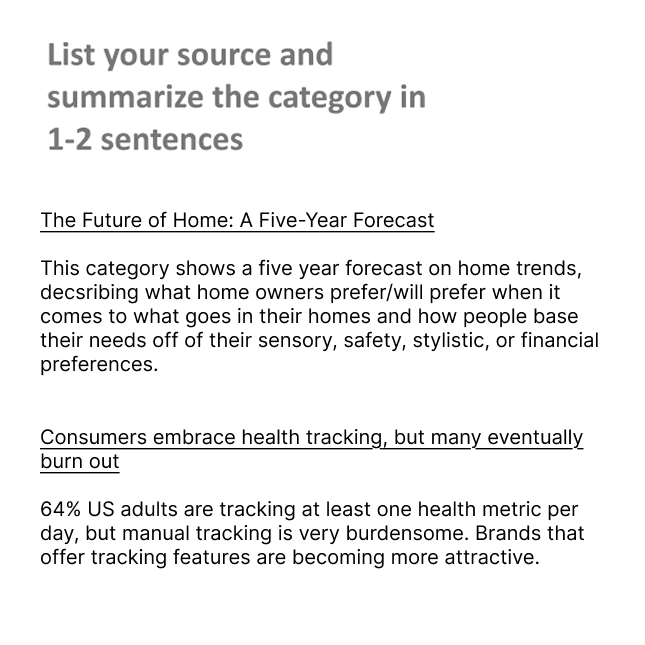
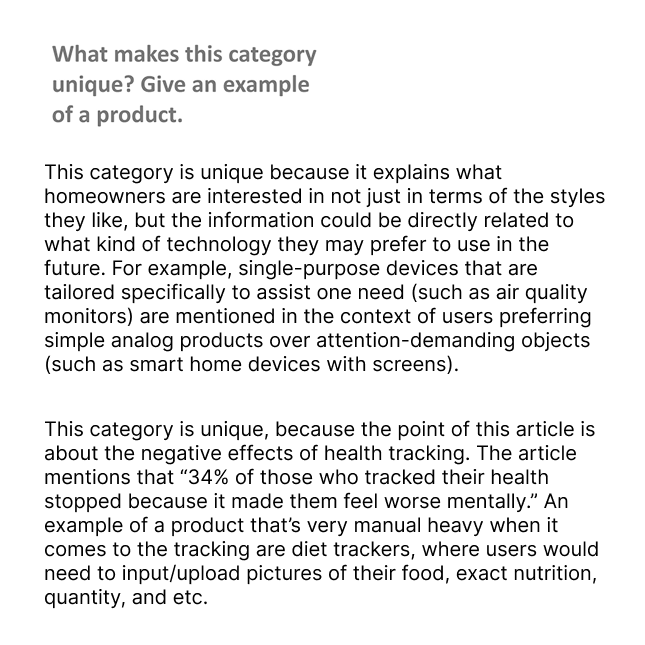
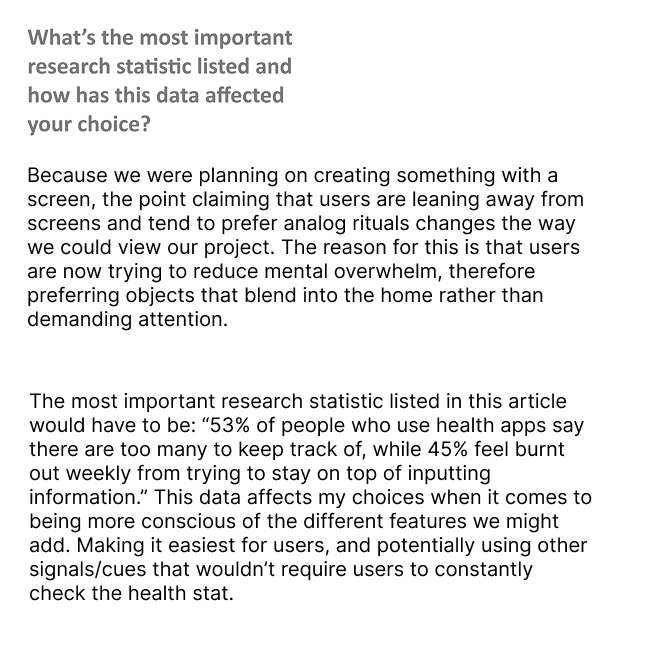
Reviewed two trend sources to understand changing consumer attitudes toward home wellness and health tracking. Looked at how each trend could influence the type of products and experiences users may prefer. Pulled out the most important data points and used them to guide decisions about simplicity, wellness, and user attention.

Personas Research

Persona research helped us explore the needs, habits, and priorities of people who may benefit from our concept.
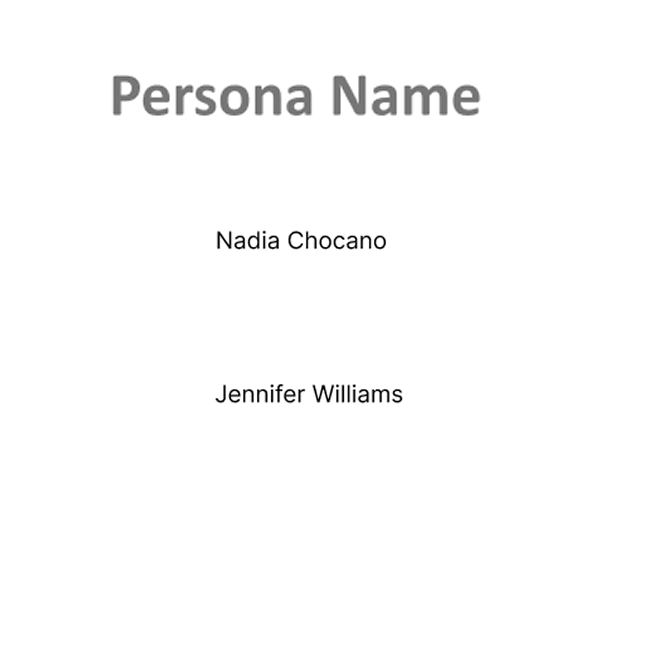
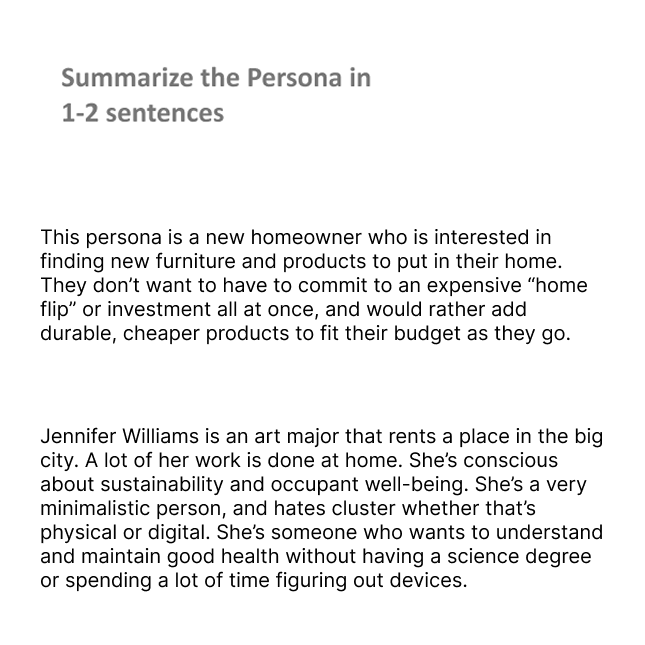
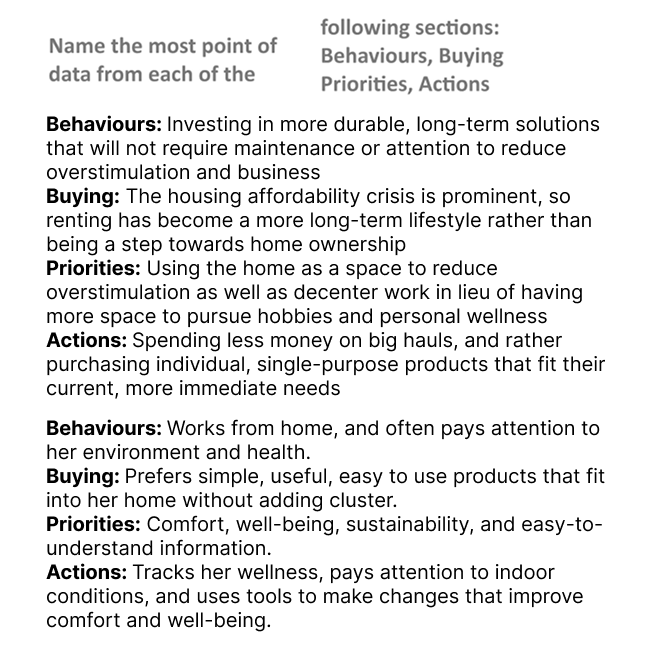
Identified two potential user types who could realistically benefit from this kind of product. Explored each persona’s lifestyle, living situation, and relationship with technology and wellness. Outlined the habits, needs, priorities, and purchasing behaviours that could affect how each persona uses the product.

HMI Research

HMI research helped us turn insights from our trend research into clear design problems and opportunities.
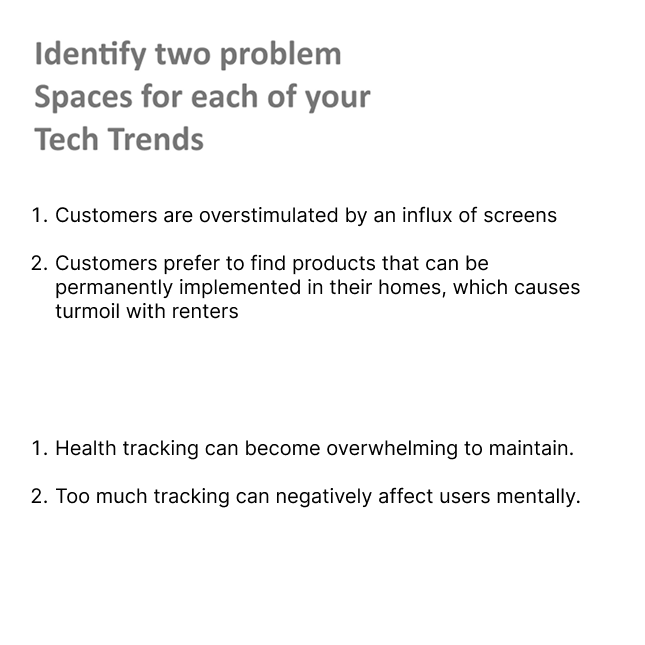
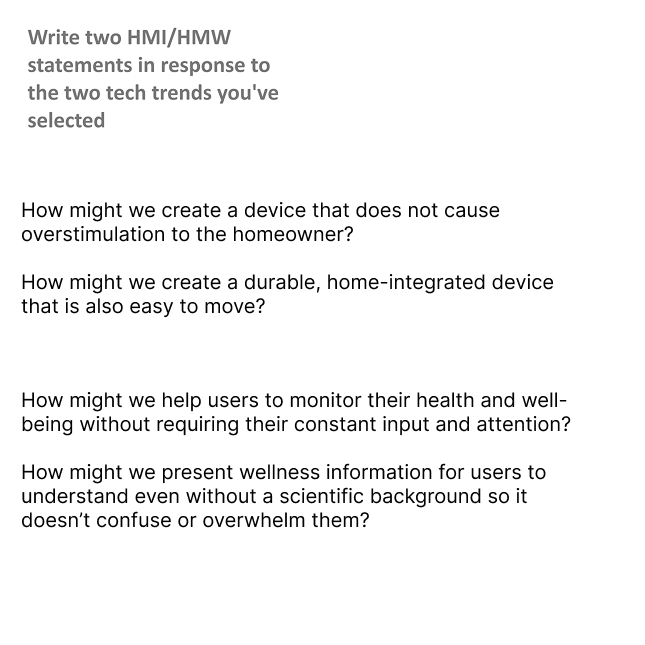
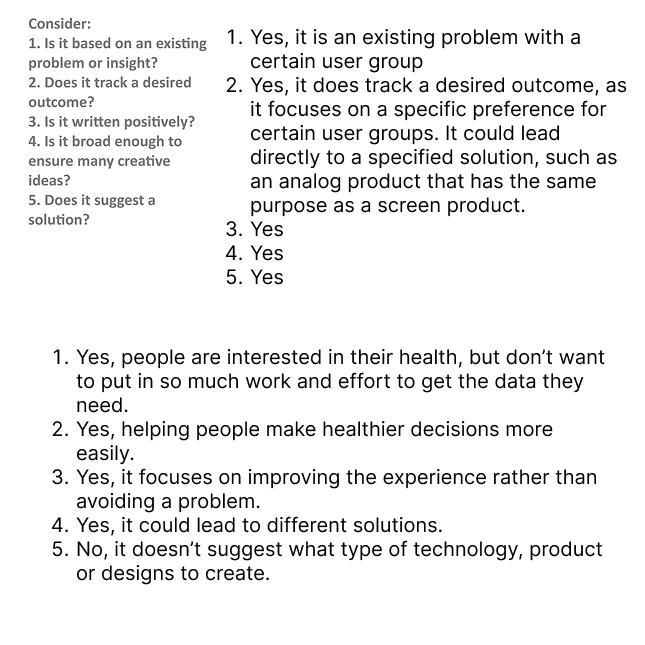
Identified key user problems and pain points based on the trends we researched. Turned those problems into How Might We questions to open up possible design directions. Checked each HMW statement to make sure it was based on a real insight, broad enough, and not too solution-focused.

Project Path

This activity helped us decide how we wanted to approach the project and narrow our research into possible directions.
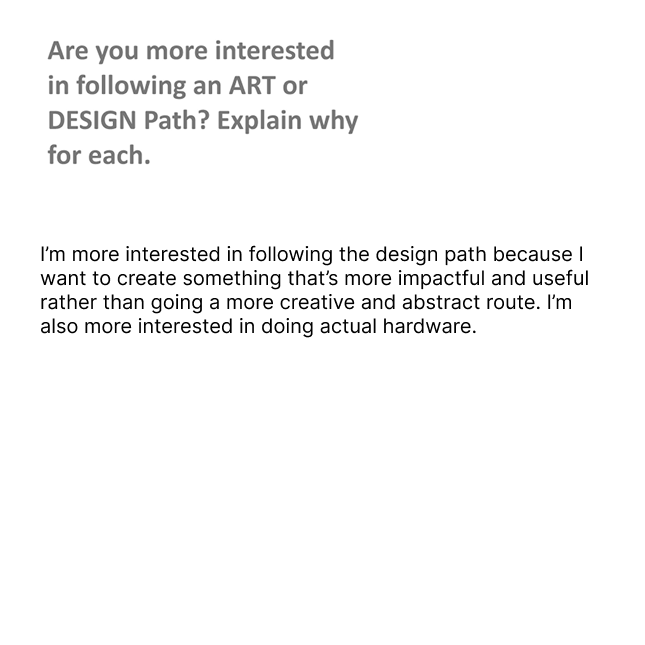

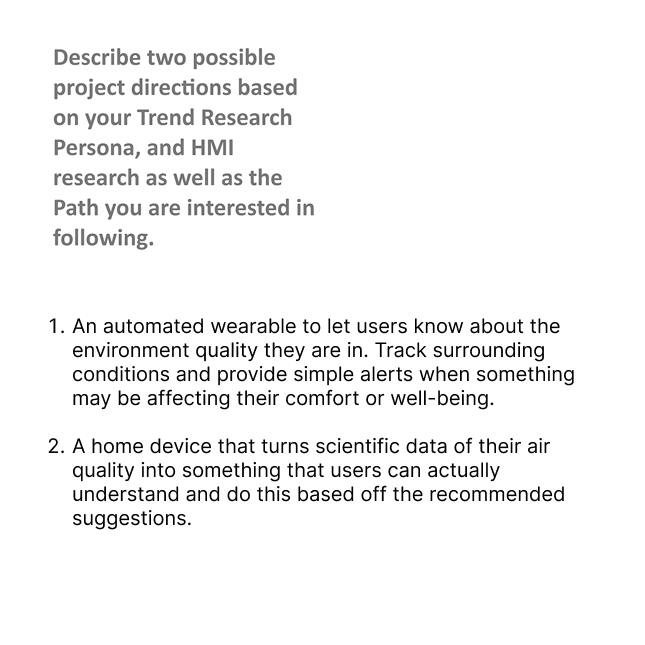
Considered both project paths and chose the one that best matched our interest in useful, problem-focused physical computing. Considered how working individually or collaboratively would affect the scope and complexity of the project. Generated two possible concepts based on the trend, persona, and HMI research before narrowing down the final direction.

Project 1 Concept


Project 1 Concept

A home environment hub that monitors room conditions and can automatically respond when certain conditions fall outside a comfortable range.
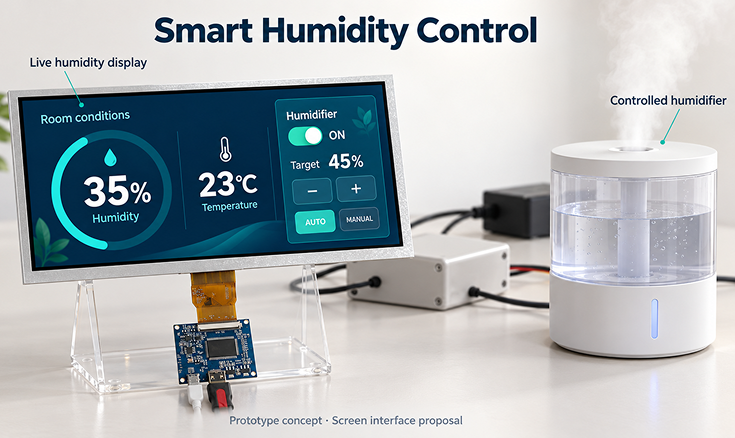
The device monitors environmental conditions such as humidity, temperature, lighting, and air quality, then translates the data into simple feedback for the user. It can also connect to home devices, such as a humidifier, allowing it to automatically turn on when humidity becomes too low and switch off once the room returns to a comfortable level.
×

Powered by w3.css